

With release 2.82 we are preparing the move of all users to our new, secure login portal. On top of that, the ration assistant becomes the single place to work with rations, and the feedstuff selection in the ration editor gets considerably smarter.
New login: moving to the secure login portal
We are preparing the migration of all users to our secure login portal. You can reach the new standard login at fodjan.de/myfodjan. How the sign-in goes for you depends on whether your account has already been migrated. Below you can see every step.
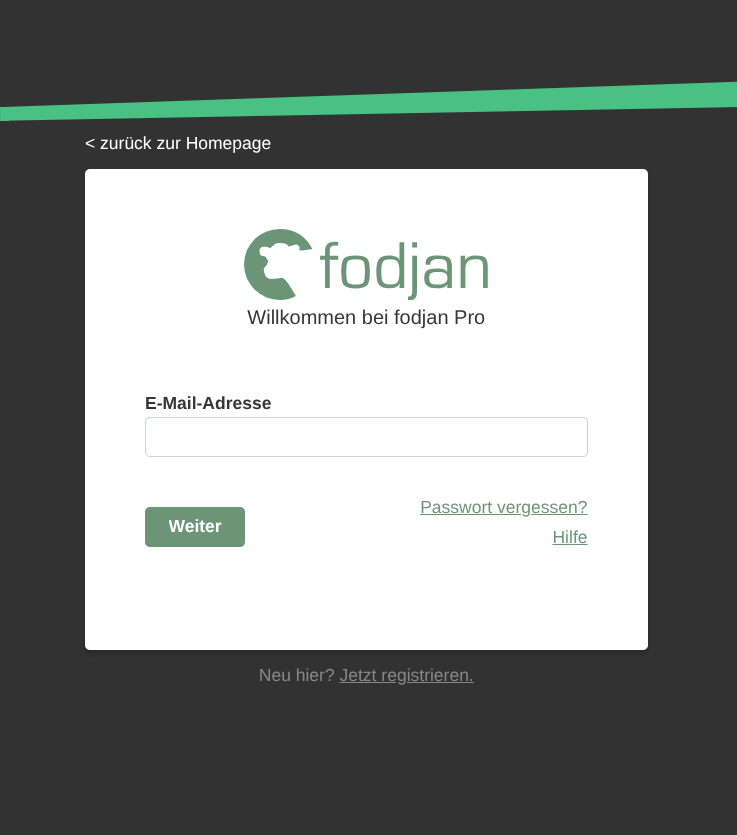
Step 1: open the new login page
Go to fodjan.de/myfodjan and enter your email address as usual.
Step 2: what happens next depends on your account
Depending on whether your account has already moved, the portal automatically takes you down one of three routes. You do not have to choose — fodjan detects it.
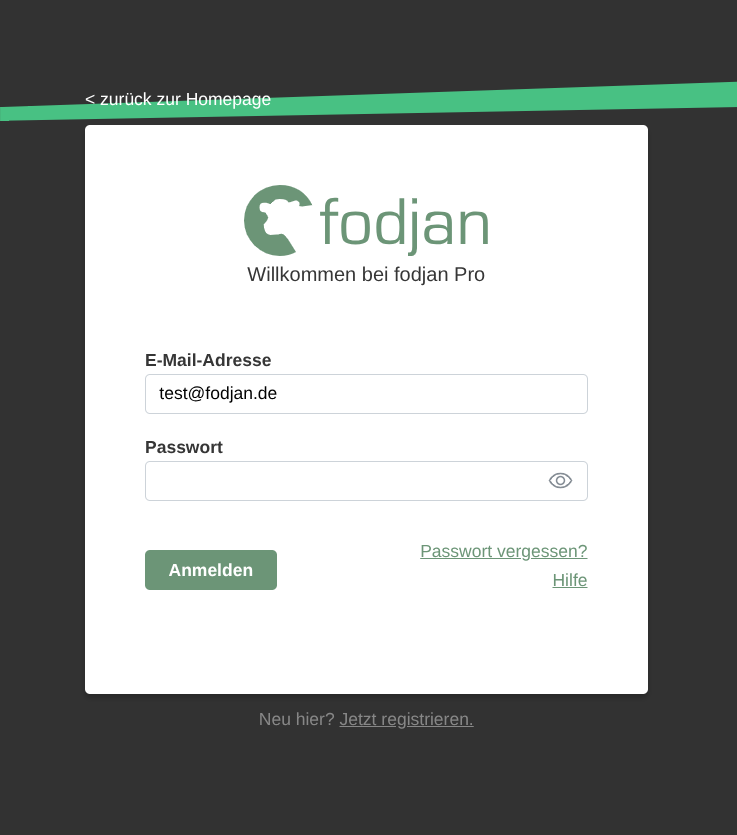
2a — not migrated yet: everything stays as it is
The familiar password field appears and you sign in just like you always have. Nothing changes for you.
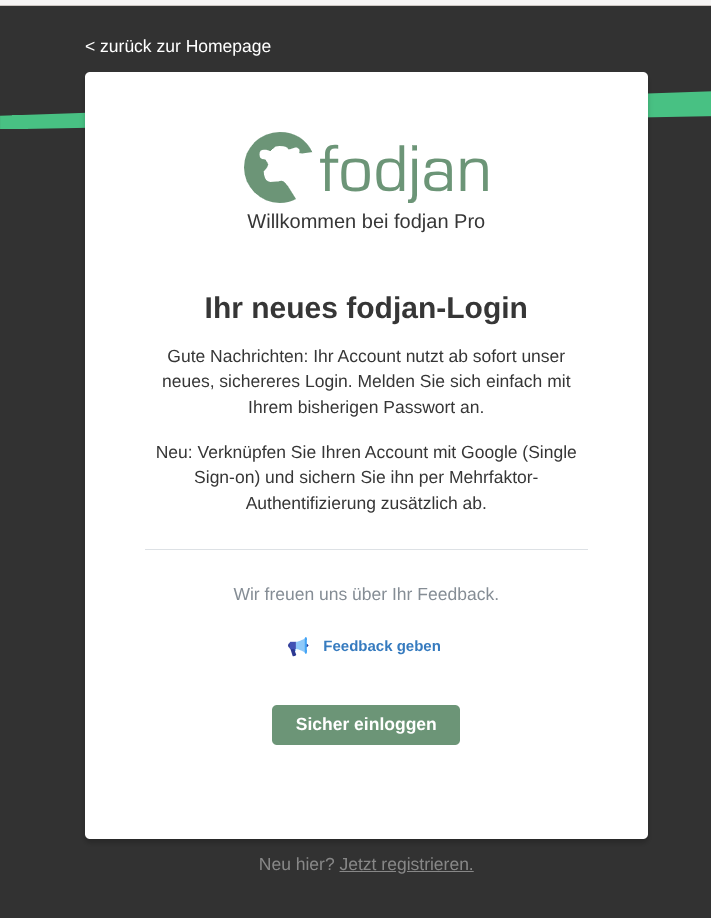
2b — it is your turn: one-time migration
We guide you through the move once. You need nothing but your existing password. Any missing details, such as your name, will be requested during the process. After that the step is done for good.
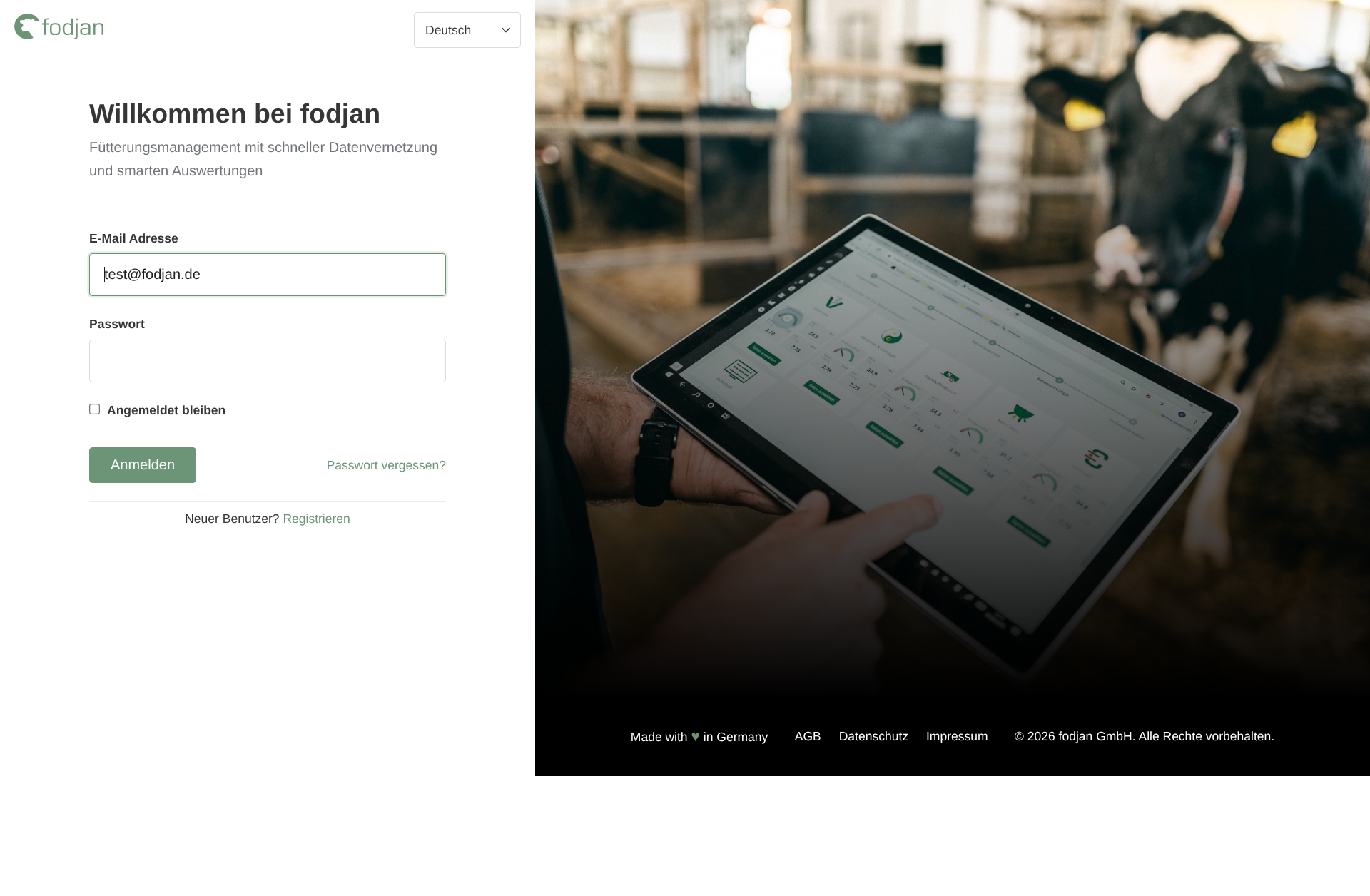
2c — already migrated: forwarded directly
If your account has already moved, you are forwarded to the matching login form automatically and sign in there.
More security: second factor and single sign-on
As part of the migration we offer you the optional setup of a second factor (OTP). Your access is then protected by a one-time code from an authenticator app in addition to your password.
You can also link your account with Google (single sign-on) and use that to sign in from then on.
Once our tests are completed, we will move users step by step in groups. So there is nothing you need to prepare, and you will be informed in good time when your account is up next.
Ration assistant replaces the ration catalogue
We keep improving our ration AI. With this release the next step is done: in addition to the ration suggestions, the ration catalogue is now available inside the assistant.
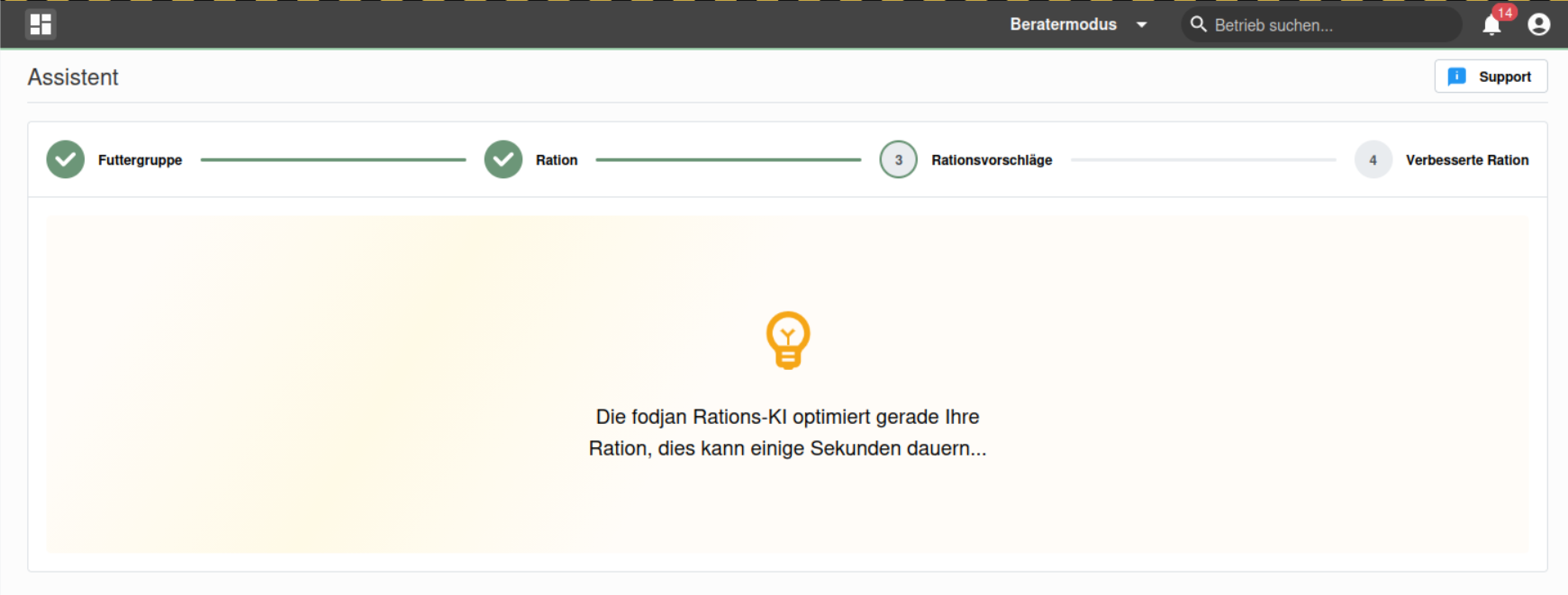
That gives you both routes in one place: have a ration suggested to you, or fall back on an existing ration from the catalogue, without switching pages. The previous separate ration catalogue has therefore been discontinued.
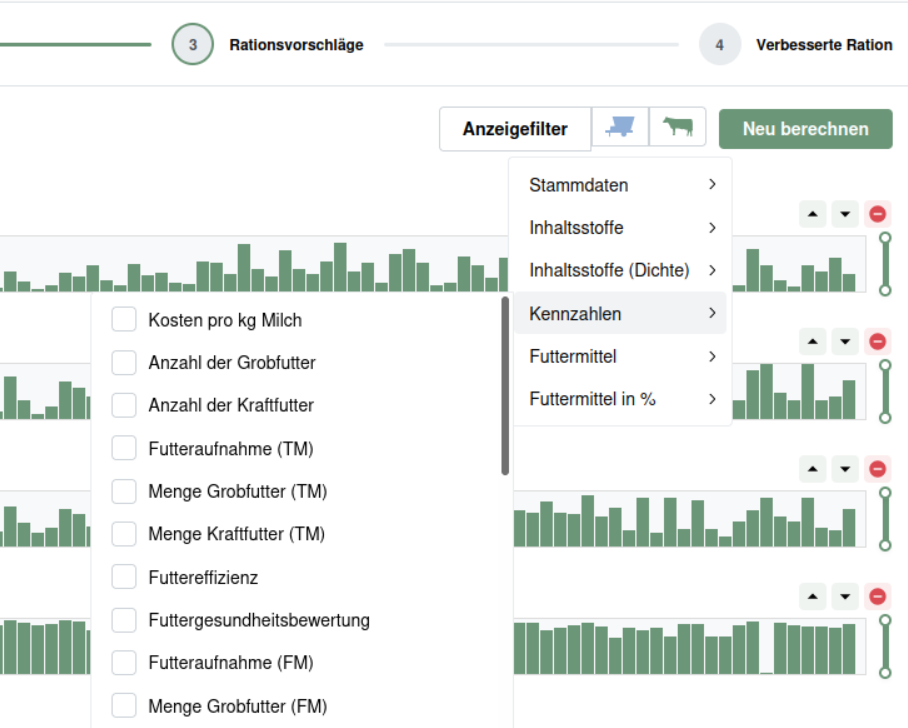
And now it is over to you: where does the optimisation work well, where does it produce nonsense, and which functions are still missing for you? Write to us at support@fodjan.de — your feedback goes straight into the next development stages.
Intelligent feedstuff selection when editing a ration
When editing a ration, the intelligent feedstuff selection is now active by default. It searches the available feedstuffs for suitable candidates and directly proposes an optimised amount.
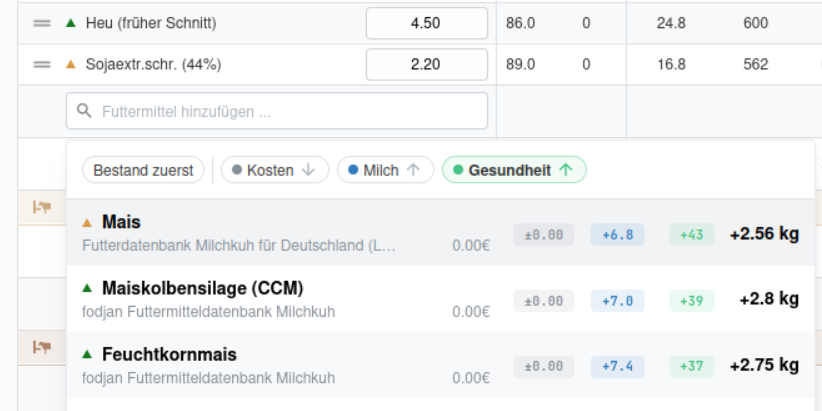
Important: you do not lose anything, you essentially just get more information. You can still search for a specific feedstuff just as easily as before. And the optimised amount only serves as a starting point that you can overwrite in the field with your own value at any time.
Outlook: new interfaces
We are working on many further interfaces. Over the course of the year, connections to Dinamica DTM, PTM feedingfarm and Topcon TAP FEED will follow. That means even more data from your feeding technology will flow into fodjan automatically.
Feedback and feature requests are always welcome. If you have ideas, questions or suggestions for improvement, please write to support@fodjan.de.